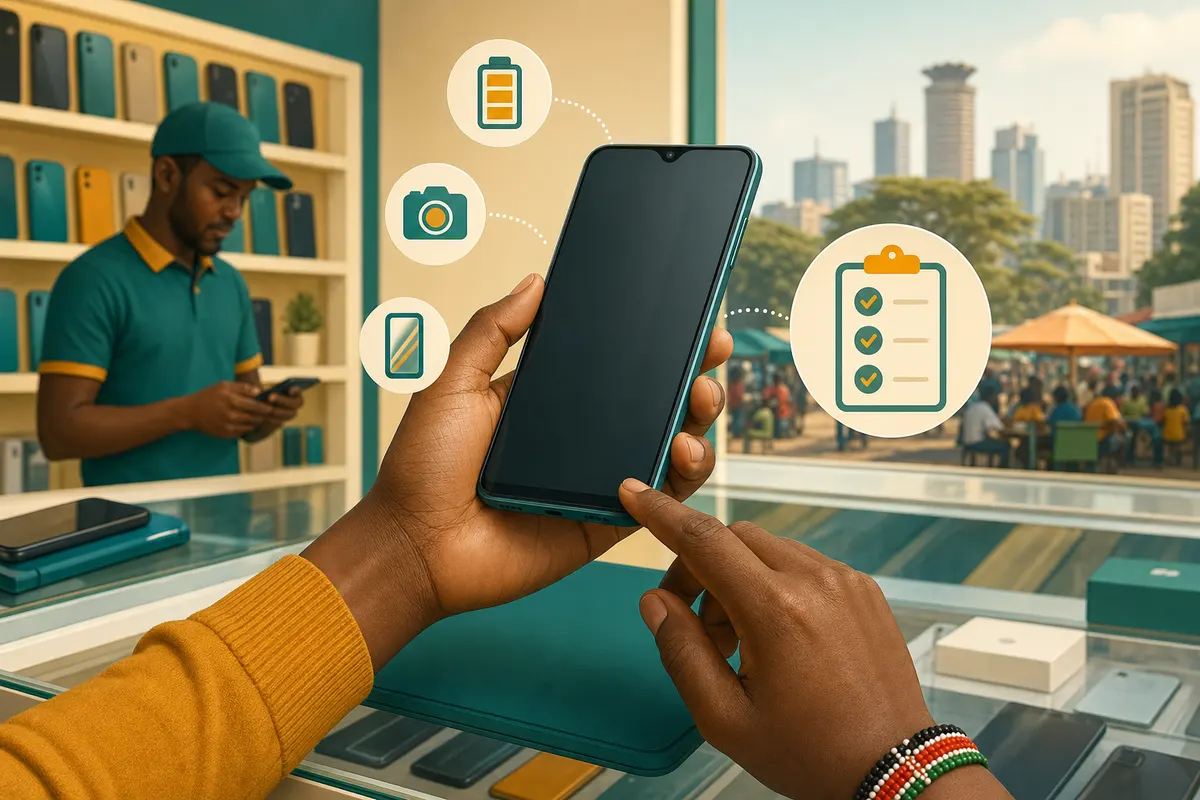
Used and refurbished phones are a smart way to get a better model for less. Take ten minutes at the shop to check these points before any money moves.
The checklist
- Screen: look for dead pixels, lines or burn-in on a white and a dark background.
- Touch: drag an app icon across the whole screen to make sure every area responds.
- Battery: check the battery health in settings where the phone shows it, and watch how fast it drains during your test.
- Charging: plug it in and confirm it charges with a normal cable.
- Cameras: take photos with every camera, front and back, and record a short video.
- Calls: put in your SIM, make a call, and test the speaker and microphone.
- Buttons and ports: power, volume, fingerprint or face unlock, headphone jack if there is one.
- Network: confirm Wi-Fi, mobile data and Bluetooth all connect.
- Accounts: the phone should be signed out of the previous owner’s Google or Apple account and reset.
- Paperwork: ask for a receipt that names the model and IMEI, and agree any warranty in writing.
Good to know
Compare the price with similar listings before you go. If the seller cannot let you test the phone, choose another listing.